
Digital eye strain for students has become a growing concern as more classes, homework and study sessions move to laptops, tablets and smartphones. Headaches, sore eyes, dryness and blurred vision after long screen hours are no longer just adult complaints — they affect children and teenagers too.
Unlike working adults, young eyes are still developing. The American Optometric Association notes that prolonged near-screen work is a leading cause of digital eye strain across all age groups. Learn more about digital eye strain from the AOA. Parents often first notice the problem when their child rubs their eyes constantly, holds books unusually close, or complains of headaches after school.
In this guide, we explain why students are more vulnerable to screen-related eye fatigue, what warning signs to watch for, and how simple browser-based eye muscle training can be safely added to a student’s daily study routine under adult supervision.
Table of Contents
Why Students Are At Higher Risk Of Digital Eye Strain
Long, Unbroken Near-Screen Focus Causes Digital Eye Strain for Students
Teenagers and pre-teens often spend hours on homework, online classes and educational videos without taking structured visual breaks. When the ciliary muscle stays locked in a near-focus position for extended periods, it loses flexibility and becomes tense — a condition many parents mistake for worsening myopia rather than temporary eye fatigue.
Small Screens and Poor Study Posture
Students frequently study on tablets or phones held close to their faces, in dim rooms, or while lying down. Small screens force the eyes to work harder to resolve text, and poor seating postures reduce the natural distance at which the eyes operate comfortably. All of these factors accelerate the onset of student eye fatigue.
Common Signs Of Digital Eye Strain In Children And Teens
- Frequent eye rubbing or blinking after screen time
- Sore, burning or dry eyes during or after homework
- Temporary blurred vision when looking up from the screen
- Headaches, especially in the forehead or around the eyes
- Holding books or devices progressively closer over time
- Difficulty shifting focus between the board and a notebook
Any of these symptoms of digital eye strain for students should not be ignored. While short-term eye strain is common, persistent blurred vision or ongoing discomfort warrants a professional eye exam with an optometrist — online tools are not a substitute for clinical diagnosis.
Safe Eye Training Routine For Students (Adult Supervision Required)
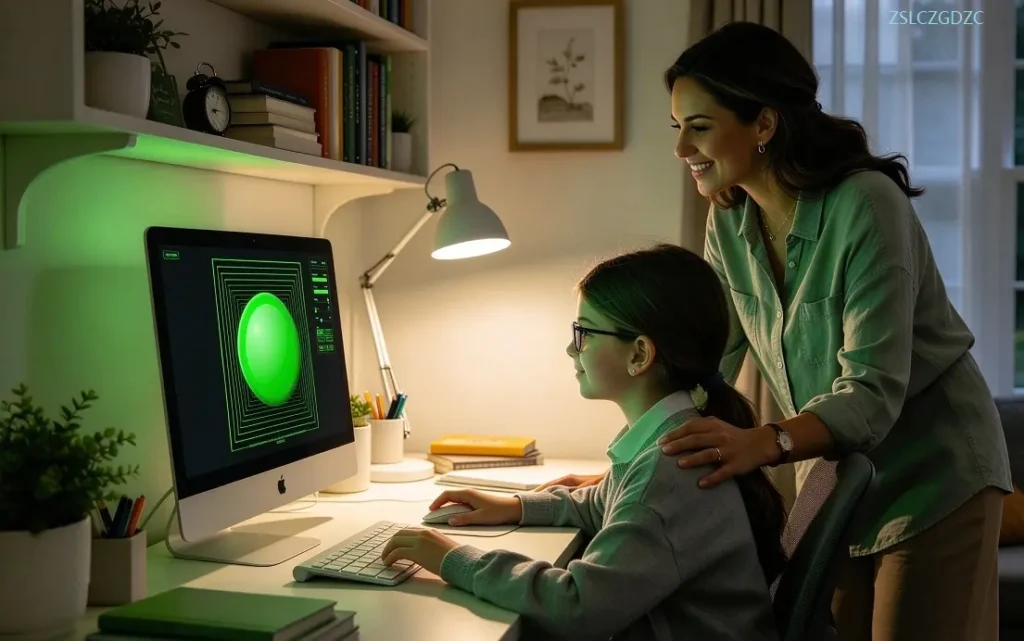
Our web-based eye trainers are designed for daily relaxation and can be adapted for student use. Because children’s eyes are still developing, sessions must be short, slow and closely supervised by a parent or teacher.
Step 1: Near-Far Accommodation Training (Relaxes Ciliary Muscle)
Start with the Near-Far Ocular Accommodation Trainer. A moving target travels between near and far along a depth path, guiding the eyes to alternate focusing distance. This directly addresses the ciliary muscle tightness caused by hours of close tablet or laptop work.
- Set speed to the lowest level — beginners should never start fast
- One short session of 1 minute is enough for students
- Adjust screen colors to a soft, non-glaring combination
Step 2: Figure-Eight Eye Movement (Activates Extraocular Muscles)
After accommodation training, continue with the ∞ Figure Eight Ocular Muscle Trainer. The eyes follow a smooth infinity-shaped path on screen, rotating in all directions to loosen stiff extraocular muscles that lock up during long periods of fixed screen gazing.
- Keep the head still; move only the eyeballs
- Use the slowest speed setting for children
- Stop immediately if the child reports dizziness or nausea
Recommended Student Schedule
For best results, practice once during a mid-study break and once after homework, for a total of 2 short sessions per day. Keep each session to 1–2 minutes. Short, consistent training is far more effective than one long session, and it is safer for developing eyes.
This inside-out sequence — ciliary muscle first, then eye movement — follows the same scientifically recommended routine described in our complete online eye care guide. Working parents who also experience screen fatigue can adapt the same principles in our 5-minute eye training routine for remote workers.
Many parents look for simple home routines to ease digital eye strain for students without expensive clinic visits. These short daily practices complement regular eye checkups and help reduce screen-related eye discomfort during the school year.
Parent Tips: Beyond Eye Exercises
- Apply the upgraded 20-20-20 rule between online classes — look 20 feet away for 20 seconds every 20 minutes
- Position the screen slightly below eye level and at arm’s length
- Reduce glare from overhead lights or windows with blinds or curtains
- Encourage conscious blinking — screen users blink much less than normal
- Schedule a comprehensive eye exam every 6–12 months, especially before a new school year
Important Safety Disclaimer For Child Users
When managing digital eye strain for students, these online eye training tools are auxiliary wellness aids for daily visual relaxation. They are not medical devices and cannot treat, cure, prevent or slow the progression of myopia, hyperopia, astigmatism or any diagnosed eye condition. They cannot replace professional optometric examinations, diagnosis or clinical treatment.
Children must use these tools under direct adult supervision. If eye pain, dizziness, nausea, persistent blurred vision or any discomfort occurs during or after training, stop immediately and rest. For ongoing concerns, consult a qualified ophthalmologist at a formal medical facility.
Frequently Asked Questions
Can eye exercises stop my child’s myopia from getting worse?
No. Eye muscle training can relieve temporary digital eye strain and eye fatigue, but it cannot control, slow or reverse myopia. Myopia progression requires clinical management by an optometrist or ophthalmologist.
At what age can children use these eye trainers?
There is no fixed minimum age, but younger children should always be supervised. We recommend that parents set the slowest speed and watch for signs of dizziness or discomfort. If in doubt, consult an eye care professional first.
How often should a student practice eye training?
One to two short sessions per day, 1 minute each, is sufficient. Avoid long sessions. The goal is regular, gentle eye muscle maintenance, not intensive exercise.
Do children need glasses during the training?
If a child already wears prescribed corrective glasses for myopia, hyperopia or astigmatism, they should wear them during training for comfort and accuracy.
Final Thoughts
Digital eye strain for students is a modern reality that parents cannot ignore. While eye training tools cannot treat vision problems, they can be a safe and convenient part of a broader eye-care routine — alongside regular professional exams, proper screen posture and frequent visual breaks. With adult supervision and short, consistent sessions, students can enjoy more comfortable vision during their study days.
Try the Near-Far Ocular Accommodation Trainer and ∞ Figure Eight Ocular Muscle Trainer in your browser — no downloads required.
[…] progression. Before buying eyewear for kids, consult an optometrist. You can also read our guide on digital eye strain for students for kid-friendly eye care […]
[…] Students learning online can also reduce glare-related fatigue with the tips from our student eye strain article. […]
[…] Students doing online classes and homework — see our guide on digital eye strain for students […]