
If your family ends every screen-heavy day with sore, dry, heavy eyes, you are not alone. Family digital eye strain relief has become a real need in modern households, where parents work remotely and kids study online for hours. The good news: two simple online eye trainers can help every family member relax tired eyes in just 1–2 minutes per break — no install, no appointment.
Why Every Household Needs Screen-Time Eye Breaks
Digital eye strain — also called computer vision syndrome — is now one of the most common screen-related complaints worldwide. According to the American Optometric Association (AOA), prolonged near-screen work is a leading trigger, causing symptoms like sore eyes, dry eyes, heavy eyes, and slow focus switching between near and far objects.
The problem is not only screen time — it is uninterrupted screen time. When the eyes stay locked in close focus for long periods, the ciliary muscle remains contracted, blink rate drops, and eye muscles never get a chance to relax. This is why a family that learns to take short, structured eye breaks together can dramatically reduce daily eye fatigue.
The well-known 20-20-20 rule is a great start, but many families find it hard to stick to. That is exactly the gap our two online visual training programs fill: they give every family member a simple, guided way to relax eyes during short breaks — the Near-Far Ocular Accommodation Trainer and the Figure Eight Ocular Muscle Trainer.
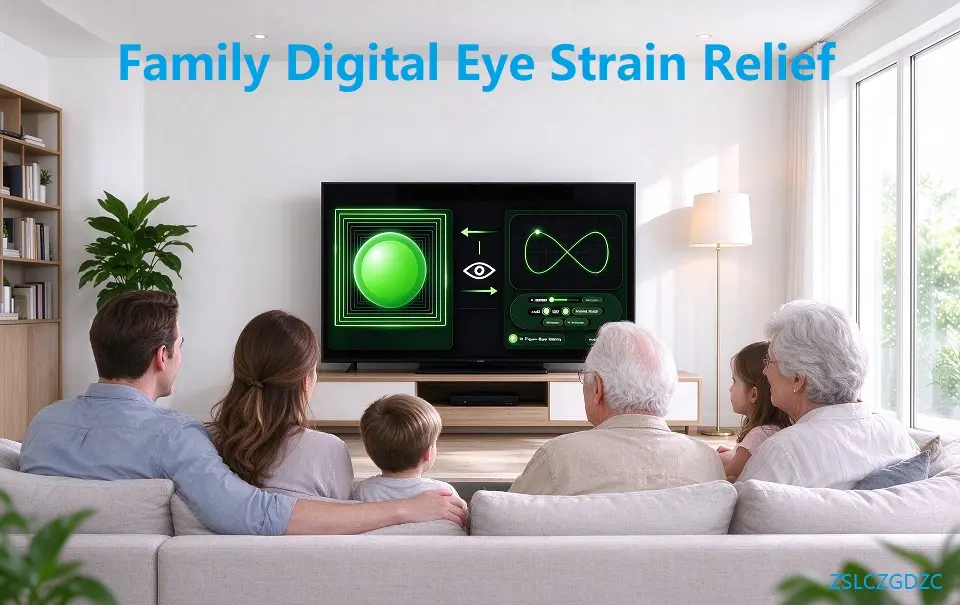
Table of Contents
2 Eye Training Tools for Family Digital Eye Strain Relief
1. Near-Far Ocular Accommodation Trainer: Ciliary Muscle Exercise for Students & Adults
This tool targets the ciliary muscle — the tiny muscle inside the eye that stays continuously contracted during screen work. A moving target ball guides your eyes to alternate focus between near and far, encouraging regular contraction and relaxation. The result: better accommodation flexibility and faster recovery from that “tired focus” feeling after long close viewing.
Best for: teens and students who struggle with slow focus after homework and online lessons, and adults whose eyes feel “stuck” after a long workday.
2. Figure Eight Ocular Muscle Trainer: Quick Home Eye Relaxation Training
The Figure Eight trainer uses an infinity-shaped moving target to guide the eyeballs through multi-directional movement. This activates the extraocular muscles, improves periocular blood circulation, and releases stiffness caused by fixed staring at a screen.
Best for: quick 1-minute breaks for both adults and older kids — a simple home eye relaxation training option for busy families.
Used together, these two tools work as a complete household routine: one exercises ciliary focus muscle, the other loosens stiff extraocular muscles.
How Families Can Use The Two Tools Together At Home
- Training time: 1–2 minutes per session, 2–3 sessions daily
- Posture tip: Sit upright, head still; only move eyeballs to follow the ball
- Beginner setting: Start at low speed, increase speed gradually as eyes adapt
- Share easily: One-click reset lets different family members reuse the same page without reconfiguring colors or speed
- Custom colors: Soft color settings reduce harsh visual irritation for sensitive eyes
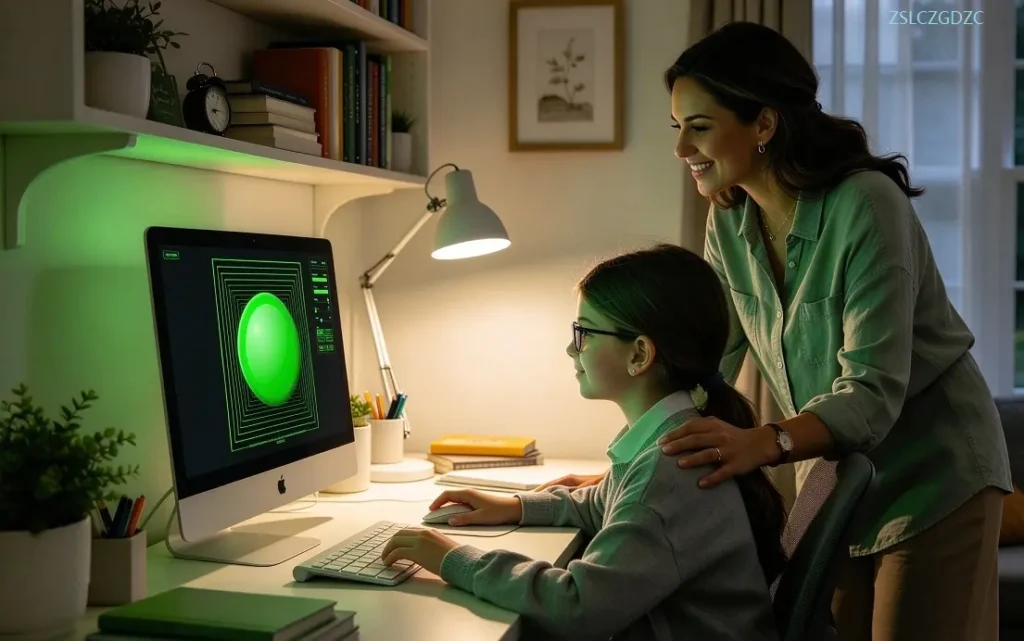
Use full-screen mode to remove distractions, then let parents lead a short family eye break after homework or work time. Done consistently, this turns screen rest into a simple shared routine for family digital eye strain relief.
Who In The Family Can Use These Online Eye Trainers
These trainers are suitable for healthy users without confirmed eye diseases: office parents, school students, teenagers, and regular screen users. If you have myopia, hyperopia, or astigmatism, wear properly fitted corrective glasses while training for better comfort. The routines are designed for daily screen fatigue relief for the whole family.
Frequently Asked Questions About Family Eye Training
Can children safely use these online eye trainers?
Older kids and teenagers can use the trainers with parental supervision. Stop training immediately if any eye discomfort appears.
Do I need prescription glasses to do the eye training?
If you have myopia, hyperopia or astigmatism, please wear properly fitted corrective glasses for a more comfortable training experience.
How long should each family eye training session last?
Each session takes only 1–2 minutes. Families can practice 2–3 sessions every day during screen breaks.
Safety Guidance & Important Disclaimer
Disclaimer: These online visual training tools are digital auxiliary programs for daily eye relaxation only. They cannot replace professional ophthalmic examinations, medical diagnosis, or clinical treatment. Stop training immediately if you feel eye pain, dizziness, nausea, or blurred vision, and visit a qualified medical institution for persistent eye discomfort. No physical goods are provided, and the tools do not provide medical diagnosis, eye disease treatment, or vision correction services.
Read the AOA’s introduction to computer vision syndrome here: AOA digital eye strain page.