
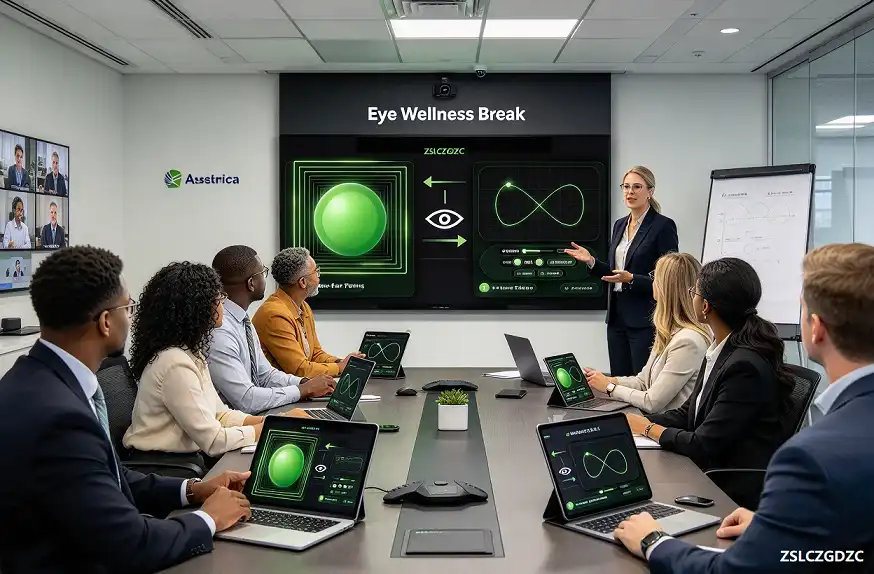
A complete corporate employee eye wellness program helps HR teams address digital eye strain among office workers who spend long hours staring at computer screens. Millions of employees experience tired, sore eyes and headaches from prolonged screen time, which impacts workplace comfort and productivity. This guide introduces two browser-native eye training tools you can roll out company-wide as part of your corporate wellness initiative. Tools are available under limited-time license access, no software downloads or extra hardware required for your team.
Table of Contents
Digital Eye Strain: The Key Problem This Corporate Employee Eye Wellness Program Solves
Office employees spend most working hours viewing computer and monitor screens. The American Optometric Association (AOA) states that 50% to 90% of computer users report symptoms of digital eye strain, also known as computer vision syndrome. Common employee symptoms include eye soreness, dry eyes, heavy eyes, headaches and slow focus switching, which may reduce comfort and lower productivity during long workdays. HR teams can integrate simple, zero-install eye relaxation resources into corporate wellness initiatives to mitigate this common workplace issue.
Our corporate employee eye wellness program includes two browser-native visual training tools for company-wide staff wellness: Near-Far Ocular Accommodation Trainer and ∞ Figure Eight・Ocular Muscle Trainer. They target ciliary muscle accommodation and extraocular muscle tracking separately, creating a balanced eye-break routine for screen workers.
2 Training Tools Included In This Corporate Employee Eye Wellness Program
Near-Far Ocular Accommodation Trainer – Ciliary Muscle & Focus Training
Continuous near screen work keeps the ciliary muscle locked in a contracted state for hours. This near-far trainer guides repeating near and far focus cycles, helping relax tight ciliary muscles and restore accommodation flexibility. It helps employees who struggle with slow refocusing after long document work, coding, back-to-back online meetings and report writing.
∞ Figure Eight・Ocular Muscle Trainer – Extraocular Muscle Release
The infinity trajectory creates smooth multi-directional eye tracking. It relieves stiffness of extraocular muscles from fixed screen gaze, improves periocular blood circulation and reduces heavy tired eyes. It works well for quick 1-minute breaks between meetings or tasks, even for remote and hybrid team members working from home offices.
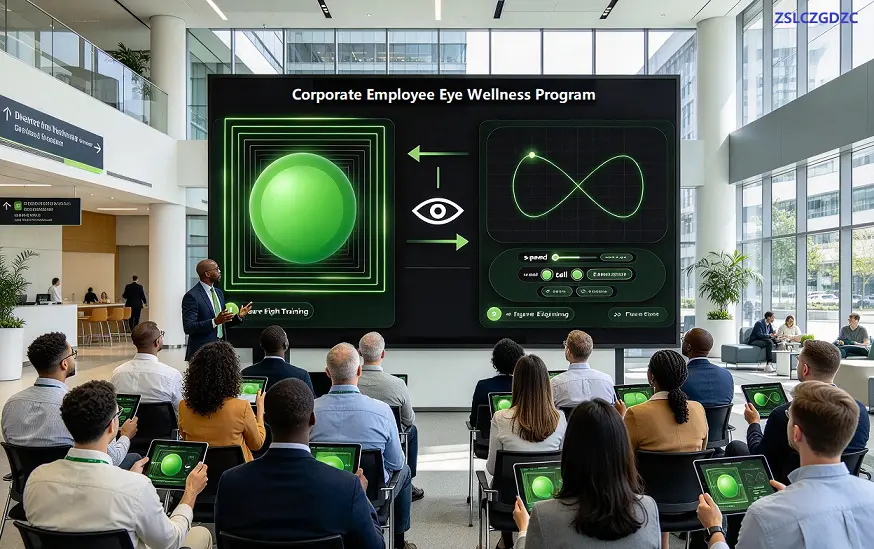
HR Implementation Guide: Deploy This Corporate Employee Eye Wellness Program To All Staff
- Share both tool links in staff wellness newsletters, company intranet and team meeting reminders
- Recommend a 1–2 minute eye break every 45–60 minutes of continuous screen work
- Train new users to start on low speed, increase speed gradually as eyes adapt
- Promote full-screen mode to block desktop notifications during training sessions
- Customizable color options support employees with light sensitivity and photophobia
- One-click reset enables shared use in hot-desking or team shared office devices
Recommended routine: 2–3 sessions per working day, 1–2 minutes each session. Employees can choose either tool or alternate both for variety. This simple routine fits easily into existing 20-20-20 eye care rules.
Business Benefits For Your Company
Adding this corporate employee eye wellness program to your benefits package delivers tangible advantages for employers. Reduced eye fatigue can lower employee discomfort, cut down minor work interruptions, and boost overall staff satisfaction. It also strengthens your employer brand, showing your organization prioritizes employee physical health in remote and in-office environments alike. This wellness program runs via browser access after license activation, no additional hardware procurement needed.
Workplace Safety Guidance For Employees Using The Program
Communicate to all staff: stop training and rest eyes immediately if eye pain, dizziness, nausea or blurred vision appears. These are auxiliary daily relaxation tools and cannot replace professional ophthalmic care. Employees with myopia, hyperopia or astigmatism should wear properly fitted corrective glasses while training.
Safety Disclaimer
Disclaimer: These online visual training tools are digital auxiliary programs for daily eye relaxation only. They cannot replace professional ophthalmic examinations, medical diagnosis or clinical treatment. Stop training immediately if you feel eye pain, dizziness, nausea or blurred vision. Visit qualified medical institutions for persistent eye discomfort. No physical goods are provided. The tools do not provide medical diagnosis, eye disease treatment or vision correction services. Access requires valid license authorization.
Source: AOA computer vision syndrome information
FAQ: Corporate Employee Eye Wellness Program
What is a corporate employee eye wellness program?
A corporate employee eye wellness program is a workplace wellness initiative designed to reduce digital eye strain for office employees who spend long hours viewing screens. It provides simple, quick eye relaxation exercises for use during work breaks.
How can my business access this corporate employee eye wellness program?
Business access is granted via limited-time license authorization. Both eye trainers run in web browsers, there are no software downloads or hardware purchases required. Please contact us for license terms and pricing details.
Can remote and hybrid employees use these online eye trainers?
Yes. Employees working from home or hybrid schedules can access the tools via any desktop or laptop browser after license activation, just like in-office staff.
How often should employees use these eye training tools?
We recommend 1–2 minute sessions every 45–60 minutes of screen work, 2 to 3 times per workday, alongside the 20-20-20 eye care guideline.