
Many people turn screen brightness all the way down or enable night mode, assuming dim screens are gentler on eyes. But low brightness eye strain is a common hidden issue. When your screen is far darker than surrounding room light, your eyes work harder to distinguish text and shapes.
Many people mistakenly believe lowering screen brightness protects their vision. But low brightness eye strain develops slowly over hours of reading, causing dry eyes, blurred vision, headaches, and tired eye muscles. This issue is common on laptops, phones, and desktop monitors when users use night mode in bright rooms.
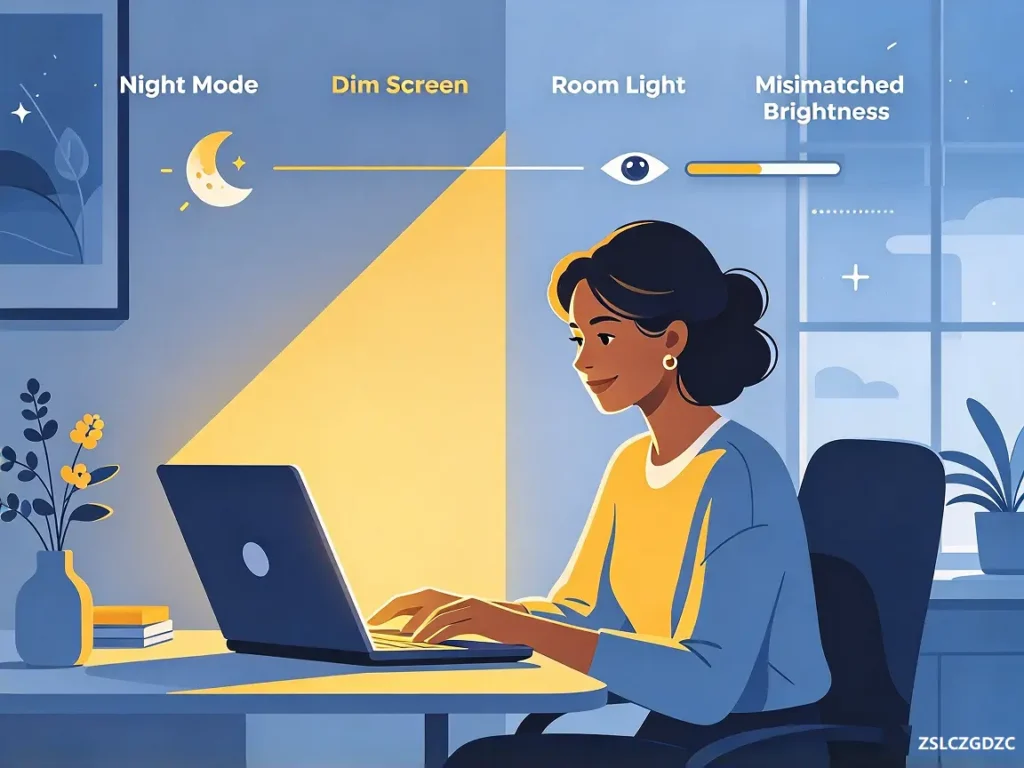
Table of Contents
Brightness Mismatch Causes Low Brightness Eye Strain
A large brightness difference between your display and ambient lighting forces your iris and ciliary muscles to strain continuously. The eyes struggle to pick out faint text, which creates persistent muscle contraction. This is the primary trigger of low brightness eye strain.
PWM Flicker Adds Hidden Visual Stress
PWM flicker at low brightness amplifies low brightness eye strain, especially on older OLED panels. Even if you cannot see the flicker, your eyes constantly adjust to rapid light fluctuations, leading to fatigue by the end of the day.
Night Mode Does Not Fully Protect Your Eyes
While night mode reduces blue light emission, blue light is not the main source of eye strain, as explained in our blue light glasses guide. Mismatched brightness creates most of the discomfort.
Auto-Brightness Swings Worsen Eye Fatigue
Avoid extreme brightness shifts. If you move from a bright room to darkness, gradually reduce brightness instead of instantly dimming your screen. You can also disable auto-brightness if it constantly jumps between bright and dim levels, which also contributes to low brightness eye strain.
How to Prevent Low Brightness Eye Strain With Proper Screen Settings
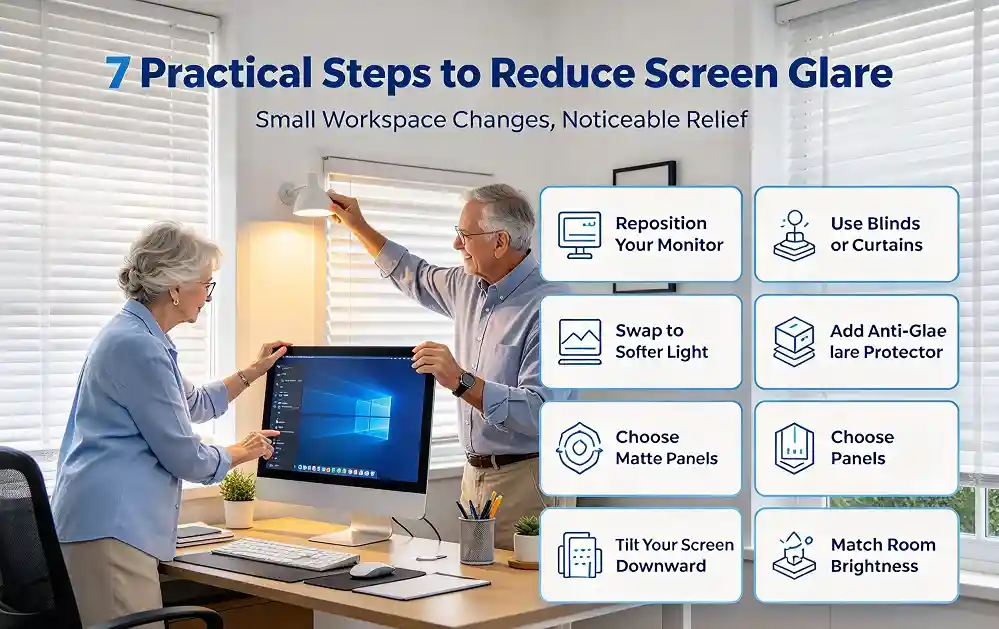
A good rule of thumb: screen brightness should roughly match the brightness of surrounding room surfaces. Your screen should not glow blindingly bright, nor should it be so dim that text feels hard to read.
How to Relieve Low Brightness Eye Strain After Using Dim Screens
After reading or working on a dim screen, eye muscles remain tightly contracted. Our Near-Far Ocular Accommodation Trainer helps release tight ciliary muscles after prolonged dim-screen focus. Pair it with ∞ Figure Eight Ocular Muscle Trainer to ease overall gaze muscle tension.
The 20-20-20 rule works alongside eye training tools to reduce low brightness eye strain. Every 20 minutes, look at an object at least 20 feet away for 20 seconds. This relaxes ciliary muscles locked from staring at dim screen text.
Many users confuse low brightness eye strain with dry eye syndrome, though these two issues often appear together. When your eyes work harder to read dim text, you blink less frequently. Reduced blinking speeds up tear film evaporation, making irritation and soreness even worse.
If you often work in mixed lighting environments, consider adding soft background lighting instead of dropping screen brightness all the way down. A gentle desk lamp behind your monitor balances ambient light and prevents the stark contrast that triggers low brightness eye strain.
The American Academy of Ophthalmology notes screen brightness imbalance contributes to digital eye fatigue. AAO.
Key Takeaways
- Lowering screen brightness does not automatically protect eyes; mismatched ambient lighting causes low brightness eye strain.
- PWM flicker on OLED screens increases eye fatigue at low brightness levels.
- Night mode only reduces blue light; it does not fix brightness contrast issues.
- Match screen brightness to your room lighting and use background desk lighting to reduce contrast.
- Use the 20-20-20 rule and eye training aids to relax strained ciliary muscles.
Disclaimer
Our eye training tools are wellness aids only. Adjusting screen settings and eye exercises do not treat underlying eye disorders. Consult an optometrist if eye soreness continues.